What label size should I enter?
Use the width and label length printed on your roll packaging, or measure the label in millimeters. This tool uses those dimensions to make one sticker per PDF page.
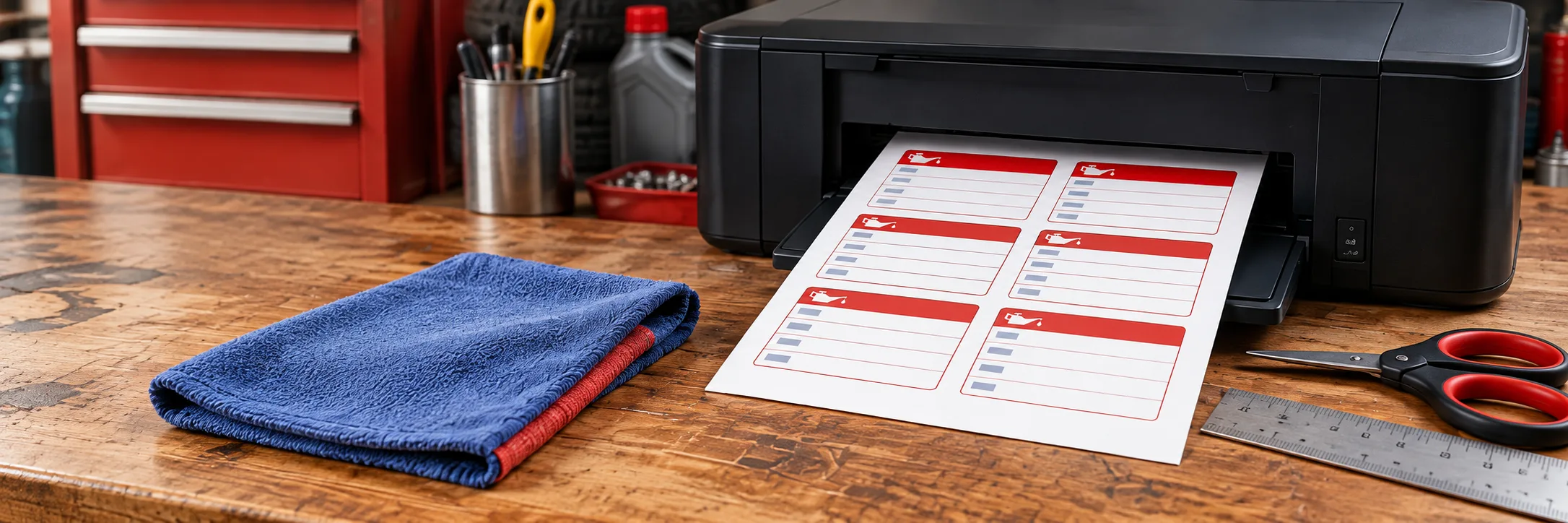
Create a service reminder label and check the roll size before printing.
Independent tool. Confirm your printer model and supported label size.
Use the width and label length printed on your roll packaging, or measure the label in millimeters. This tool uses those dimensions to make one sticker per PDF page.
Choose Actual Size or 100% in the print dialog and turn off Fit to Page. Print one test label first, then compare it with your roll before printing more.
The PDF uses the dimensions you enter, but it cannot confirm printer or label compatibility. Check the exact printer model and roll number against the manufacturer's specifications. DYMO says LabelWriter 5 Series printers work only with authentic DYMO LW labels; see the official compatibility chart and our print alignment guide.
Add the next service date, mileage, oil grade, shop name, and phone number. These fields are optional, so you can leave out details you do not need.