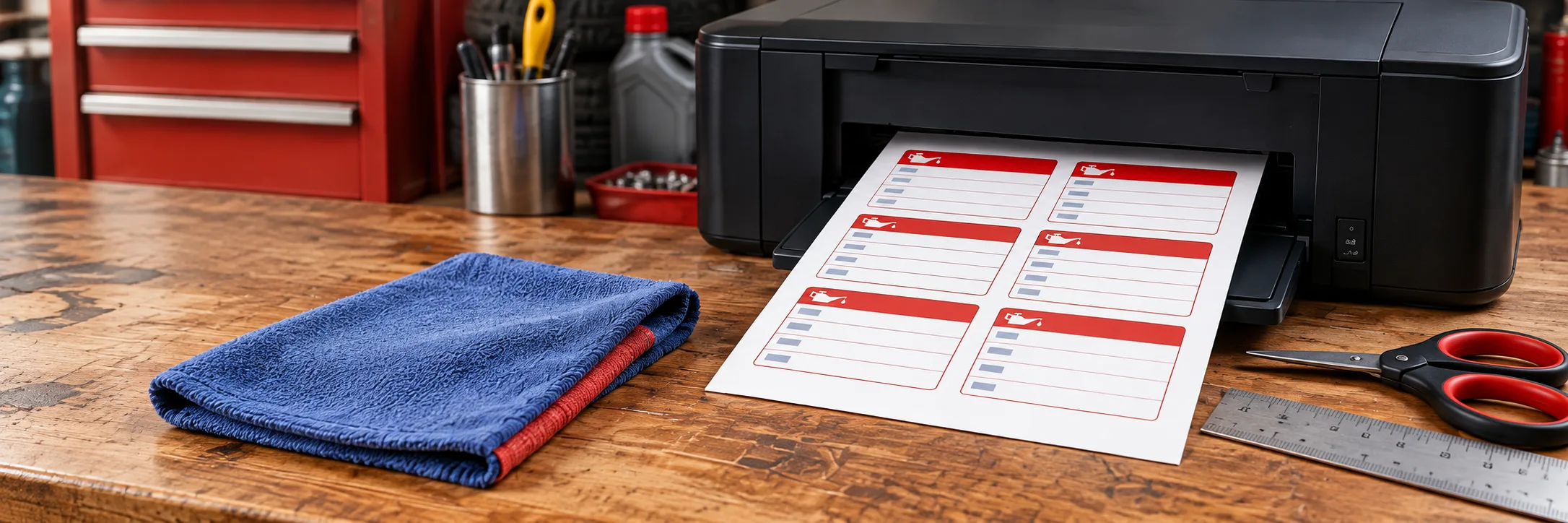
Home printer on a mechanic's workbench

Make your next
oil change sticker.

Add your details. Check your sticker. Print a full Letter sheet.

SIMPLE TOOLS. REAL RESULTS. ON THE ROAD SOONER.
1.

Choose how to fill the Letter sheet

Same high-quality sticker design. Pick the option that works for you.

2.

Service information

Enter your details exactly as you want them to appear on the sticker.

Units:
Heading on sticker

Your finished sticker

NEXT SERVICE DUEDATE:MILEAGE:OIL GRADE:SHOP:PHONE:SEP 16 2026135,000 MI5W-30Main Street Auto(555) 123-4567

Enlarged to check your details.

Sticker positioned on a windshieldNEXT SERVICE DUEDATE:MILEAGE:OIL GRADE:SHOP:PHONE:SEP 16 2026135,000 MI5W-30Main Street Auto(555) 123-4567
Placement illustration.
NEXT SERVICE DUEDATE:MILEAGE:OIL GRADE:SHOP:PHONE:SEP 16 2026135,000 MI5W-30Main Street Auto(555) 123-4567NEXT SERVICE DUEDATE:MILEAGE:OIL GRADE:SHOP:PHONE:NEXT SERVICE DUEDATE:MILEAGE:OIL GRADE:SHOP:PHONE:NEXT SERVICE DUEDATE:MILEAGE:OIL GRADE:SHOP:PHONE:NEXT SERVICE DUEDATE:MILEAGE:OIL GRADE:SHOP:PHONE:NEXT SERVICE DUEDATE:MILEAGE:OIL GRADE:SHOP:PHONE:NEXT SERVICE DUEDATE:MILEAGE:OIL GRADE:SHOP:PHONE:NEXT SERVICE DUEDATE:MILEAGE:OIL GRADE:SHOP:PHONE:NEXT SERVICE DUEDATE:MILEAGE:OIL GRADE:SHOP:PHONE:NEXT SERVICE DUEDATE:MILEAGE:OIL GRADE:SHOP:PHONE:NEXT SERVICE DUEDATE:MILEAGE:OIL GRADE:SHOP:PHONE:NEXT SERVICE DUEDATE:MILEAGE:OIL GRADE:SHOP:PHONE:
1 inch
Letter sheet preview (8.5 × 11 in).

Print at 100% / Actual Size.
Measure the 1-inch square after printing.
See printable PDF examples

ReadyYour 12-sticker PDF is ready to generate.
*

Printable PDF examples

Download and inspect actual PDF files exported by the sticker maker.

Documented example settingsTool-generated PDF example
Serviced on:
Oct 1, 2026 (2026-10-01)
Next service date:
Apr 1, 2027 (2027-04-01)
Current mileage:
123,000 MI
Next mileage:
128,000 MI
Oil grade:
5W-30
Shop name:
Example Garage
Phone / contact:
(None entered)
Sticker heading:
NEXT SERVICE DUE

Illustrative reminder: Date and mileage values are illustrative user-entered reminders, not a recommended service interval. These examples are files exported by the tool. Check a plain-paper print before using label stock.

100% scale verification steps

  1. Download sample PDF: Select any of the three mode examples below.
  2. Set print scale: In your print dialog, select 100% / Actual Size and disable Fit to Page or Shrink.
  3. Print on plain paper: Print a test sheet on ordinary paper before using adhesive or static-cling stock.
  4. Measure 1-inch check-square: Use a physical ruler to measure the 1-inch square printed at the bottom-left corner. If it measures exactly 1 inch (25.4 mm), your scaling is calibrated. Note that a scale check alone does not confirm printer feed alignment; compare against physical stock.
Tool-generated PDF example

All blank

Mode count: 12 blank stickers (0 filled / 12 blanks)
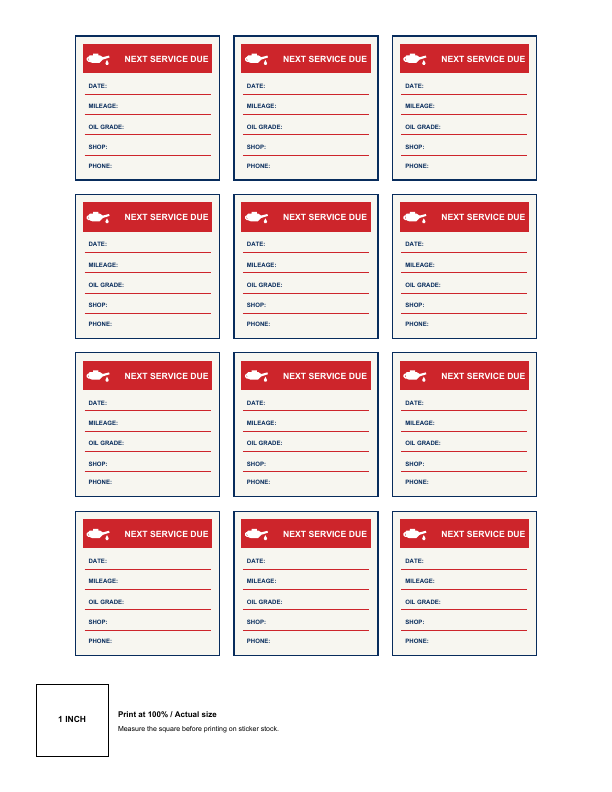
All blank sample PDF first page render

Sheet: US Letter · 8.5 × 11.0 in (215.9 × 279.4 mm)

Sticker: 2.0 × 2.0 in (50.8 × 50.8 mm) each · 12 stickers / sheet

Calibration: Includes 1-inch (25.4 mm) check-square at bottom margin

Full sheet with 12 blank stickers to fill in by hand with pen or marker.
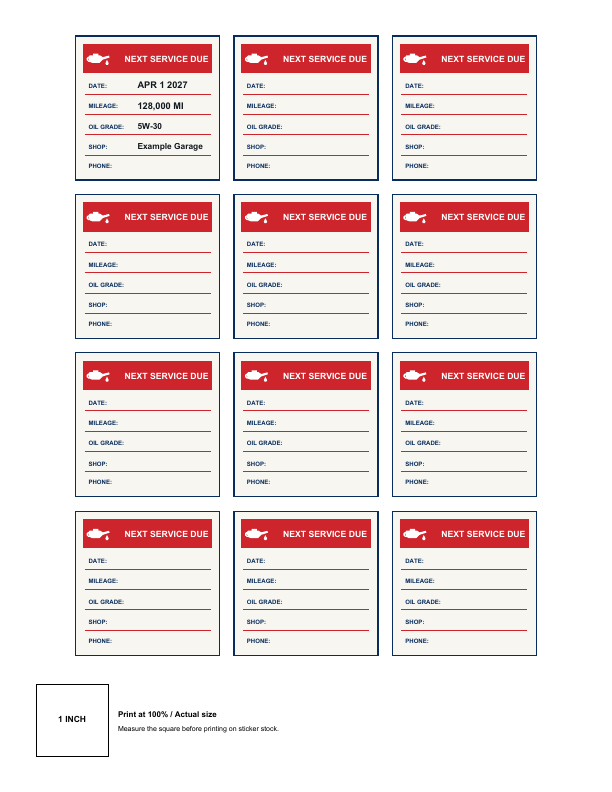
Tool-generated PDF example

One filled + blanks

Mode count: 1 filled sticker, 11 blank stickers

One filled + blanks sample PDF first page render

Sheet: US Letter · 8.5 × 11.0 in (215.9 × 279.4 mm)

Sticker: 2.0 × 2.0 in (50.8 × 50.8 mm) each · 12 stickers / sheet

Calibration: Includes 1-inch (25.4 mm) check-square at bottom margin

First sticker filled with Example Garage reminder details; 11 remaining stickers are blank.

Tool-generated PDF example

Repeat this sticker

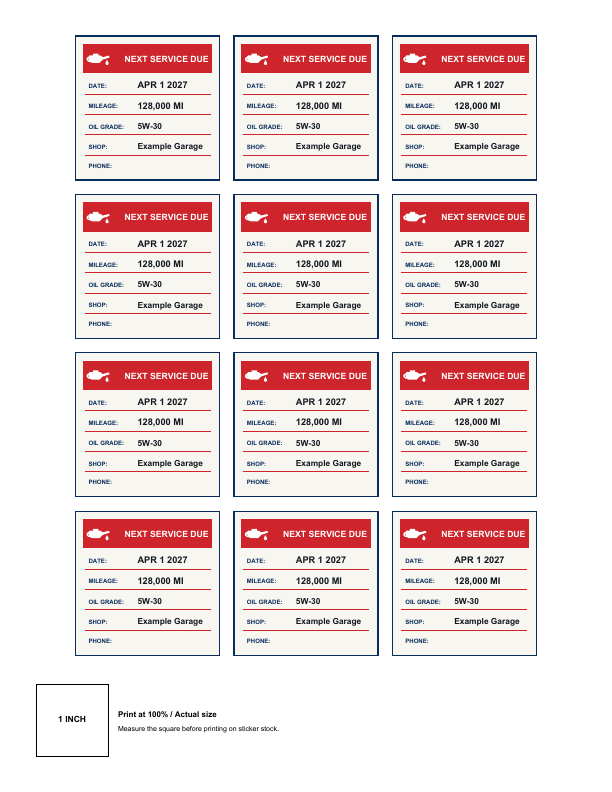
Mode count: 12 filled stickers (all identical)

Repeat this sticker sample PDF first page render

Sheet: US Letter · 8.5 × 11.0 in (215.9 × 279.4 mm)

Sticker: 2.0 × 2.0 in (50.8 × 50.8 mm) each · 12 stickers / sheet

Calibration: Includes 1-inch (25.4 mm) check-square at bottom margin

All 12 stickers filled with the same service date, due mileage, and shop information.

4.

Frequently asked questions

Is the date repeated on every sticker?

Only if you choose “Repeat this sticker”. Otherwise only the first sticker is filled.

Can I print blank stickers?

Yes. Choose “All blank” to print a sheet you can fill in by hand.

How do MI and KM work?

Select Miles (MI) or Kilometres (KM). The chosen unit is shown on the sticker.

Why must I print at Actual Size?

To ensure the sticker is the correct size. Measure the 1-inch square after printing.

Which material should I buy?

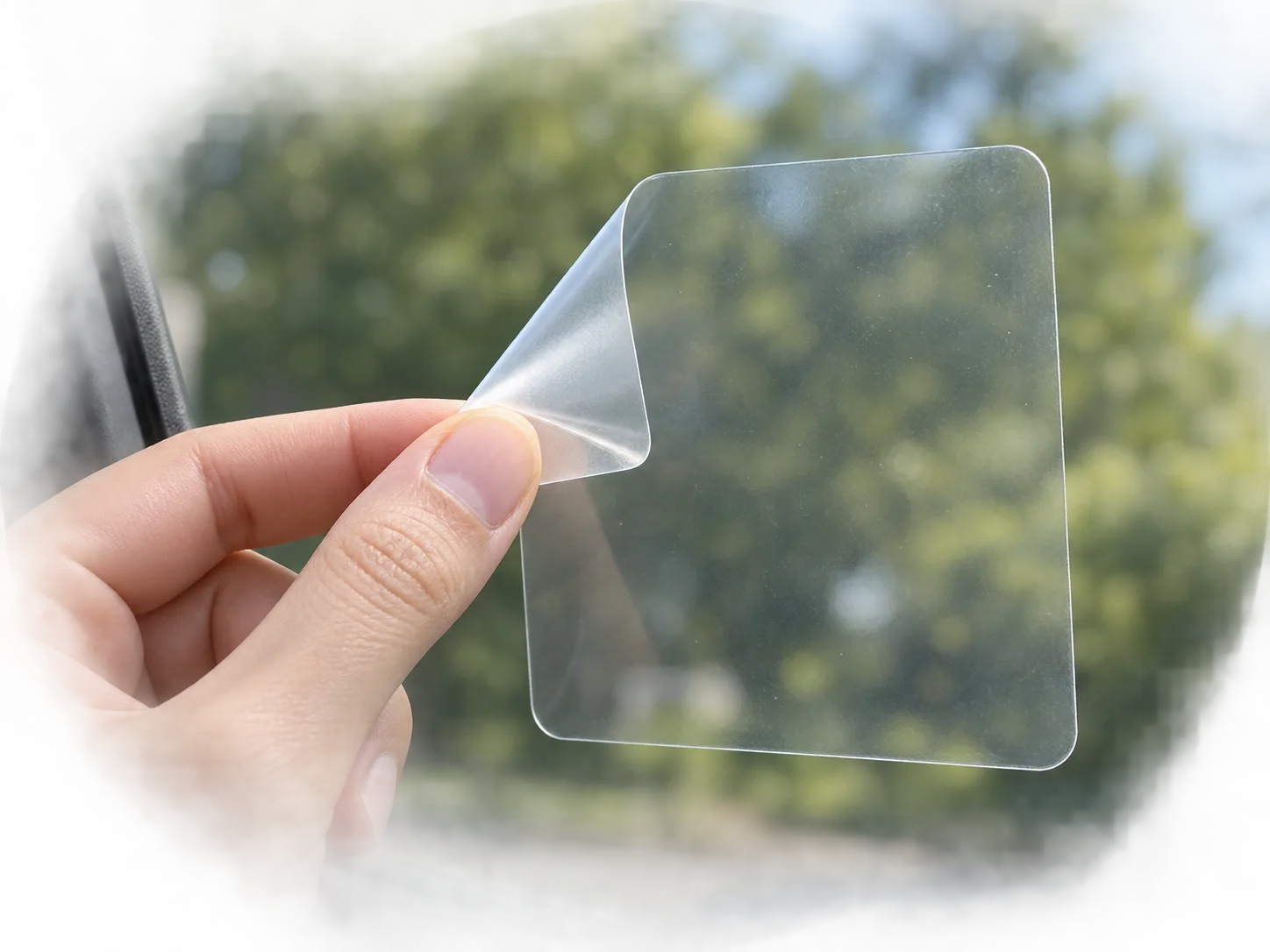
Printable static cling or removable low-tack stock works best. Use permanent adhesive only for long-term use.